

Portrait
MakeFromPhoto
Lithophane workspace
Upload a photo and prepare a print-ready lithophane in the browser.
Simulated backlit preview from the same thickness model used for the STL file.
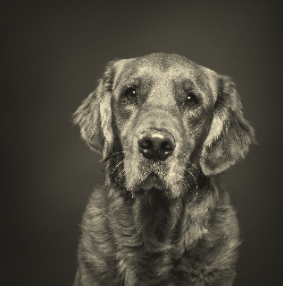
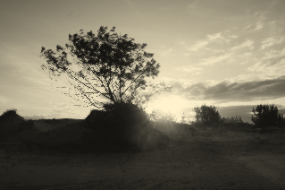
Upload and adjust your photo.
Use JPEG, PNG, or WebP. Large images are downscaled to a safe preview size.
Optional. Paste a direct HTTPS link to a JPEG, PNG, or WebP image.
Choose an image to see a preview.
Upload an image to download the file.
This generator is still in the test and design phase. You can try the features freely, but always check the STL in your slicer before printing.
The generator creates the STL file locally in your browser from your preview. Gallery sharing stores a public preview and a private regeneration image for reopening later; private metadata drafts only save name, dimensions, and settings.